This week in my digital media class we are learning more about Phone Photography, taking great pictures that can sometimes be even better than our DSLR cameras. I normally use my Canon Rebel T5 camera but this week I got to use my Apple iPhone XS Max. All edits done to these photos were done directly on my phone using the Snapseed app. Here is a helpful/quick YouTube video tutorial/walkthrough of the app: https://www.youtube.com/watch?v=nTAaN3-Nf1g.
Also, check out my Instagram post to see my photos: https://www.instagram.com/p/CBPXei4nQ1J/
PANORAMA:
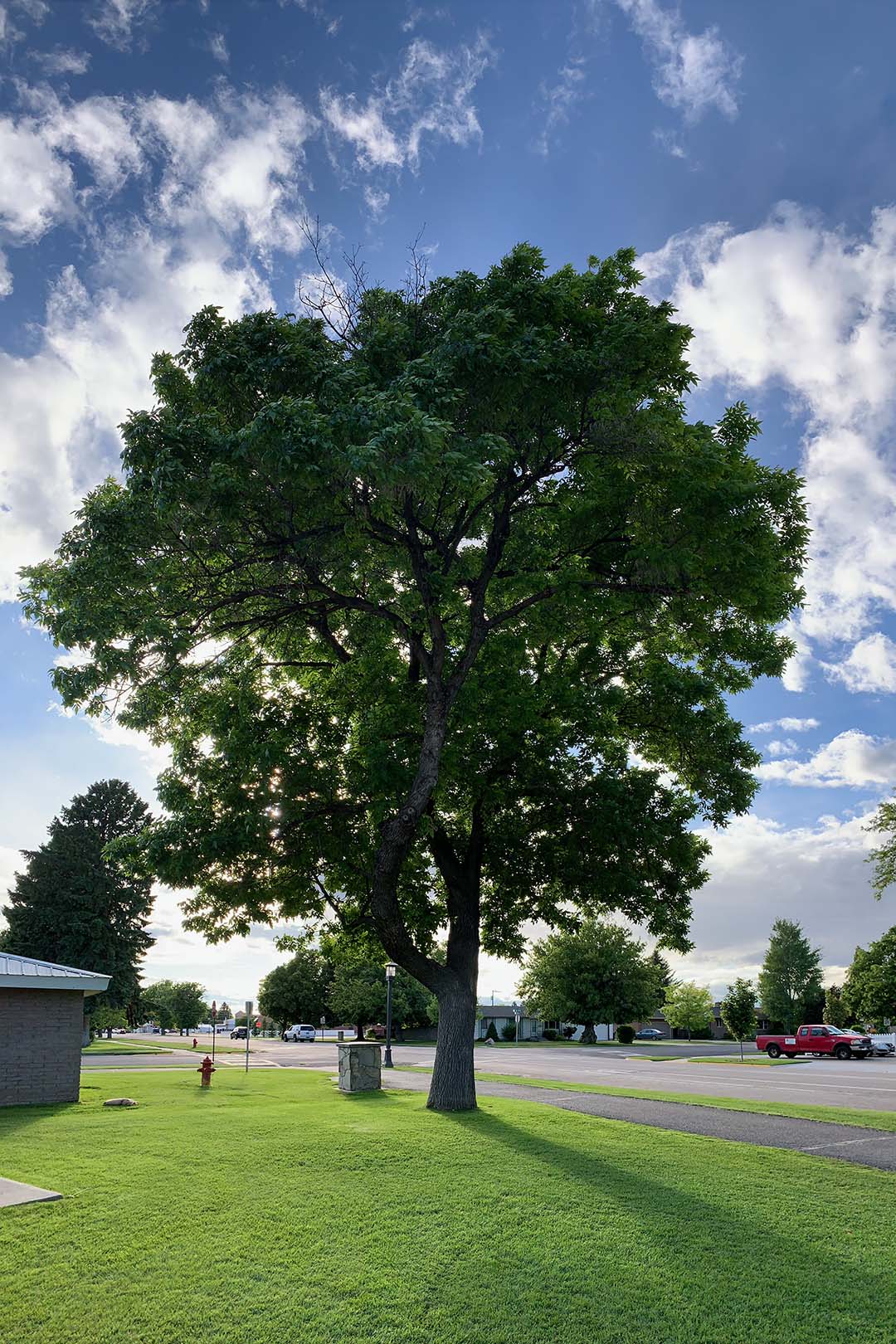
This is a vertical panorama that I took, and it is an original photo with no edits. I wanted to capture some neat shadows and vibrant aspects by angling the sun behind the tree.
FLAT LAY:
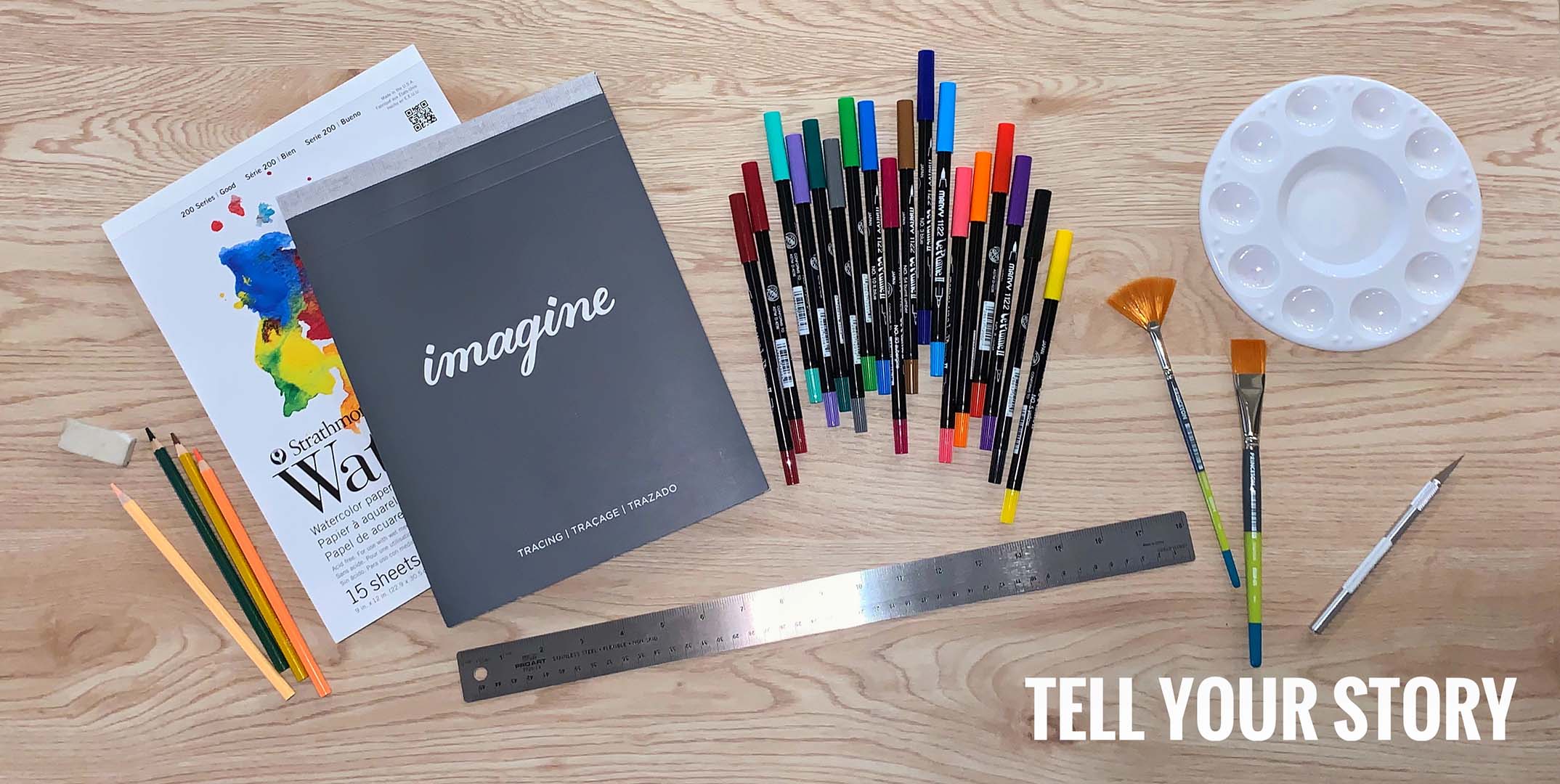
I wanted to create a flat lay that told part of my story, I love art, graphic design and visual communication. I think that art is a great way to tell anyone’s story, which can be shown in various mediums.
POINT OF VIEW:
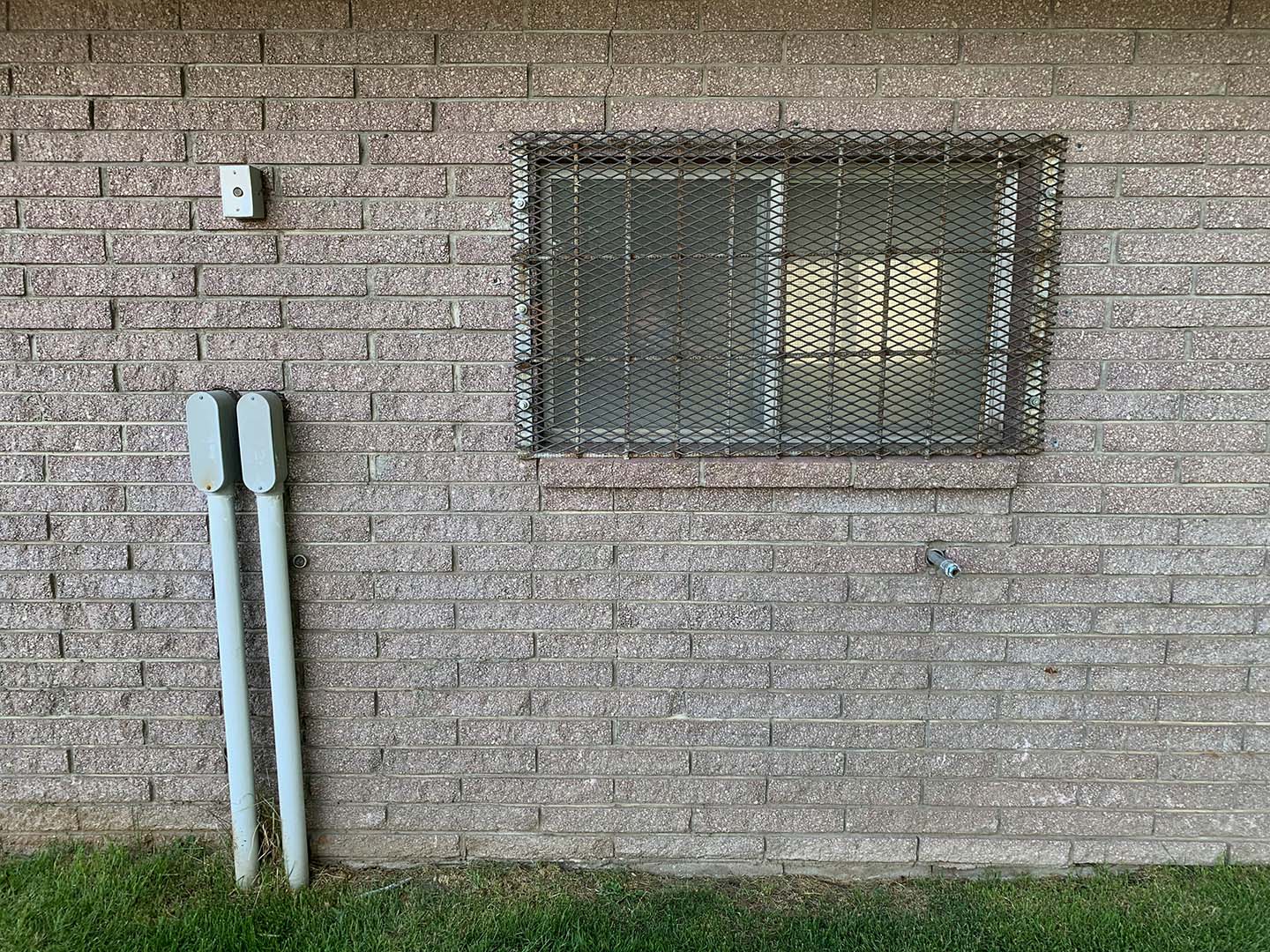
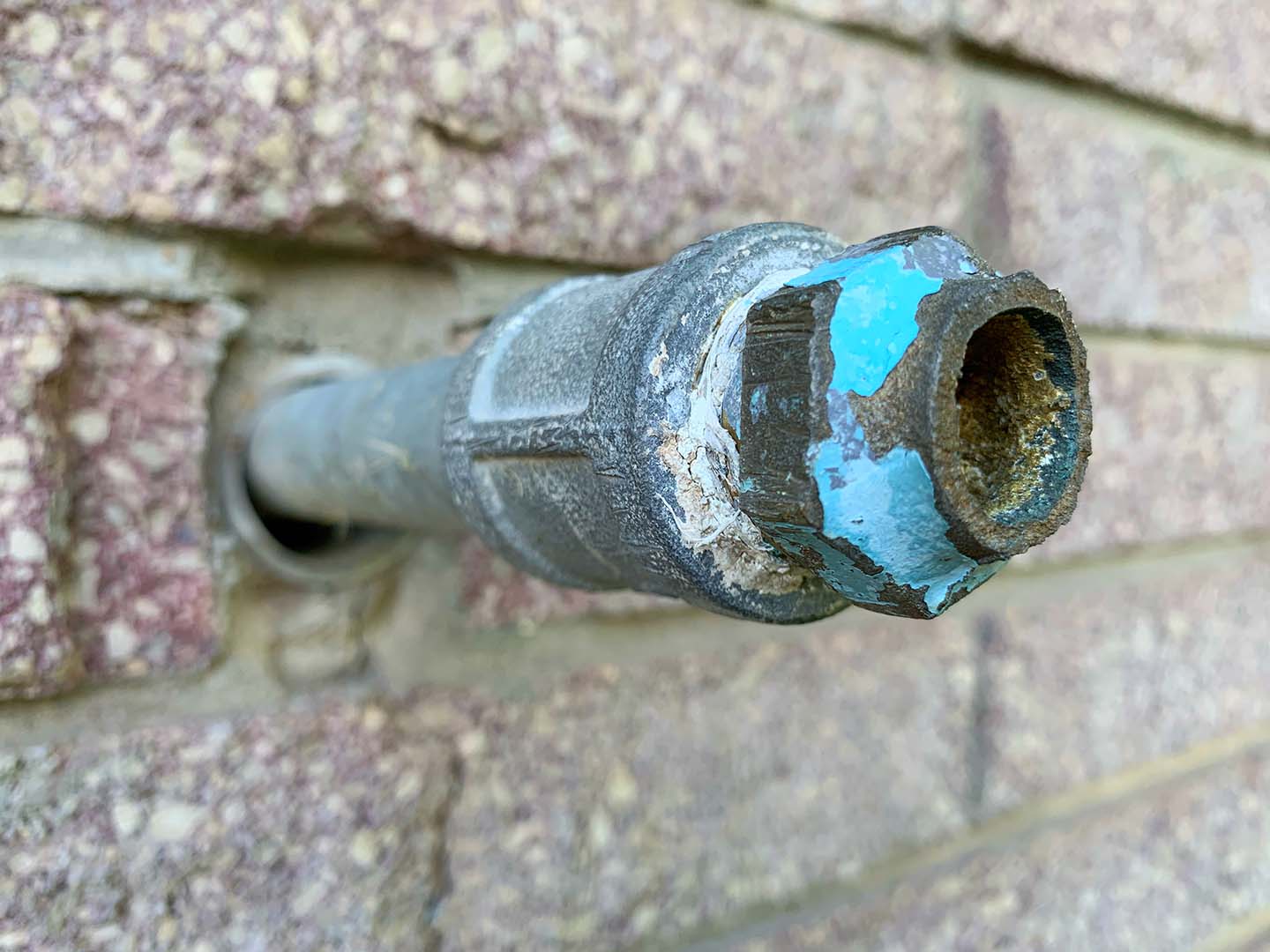
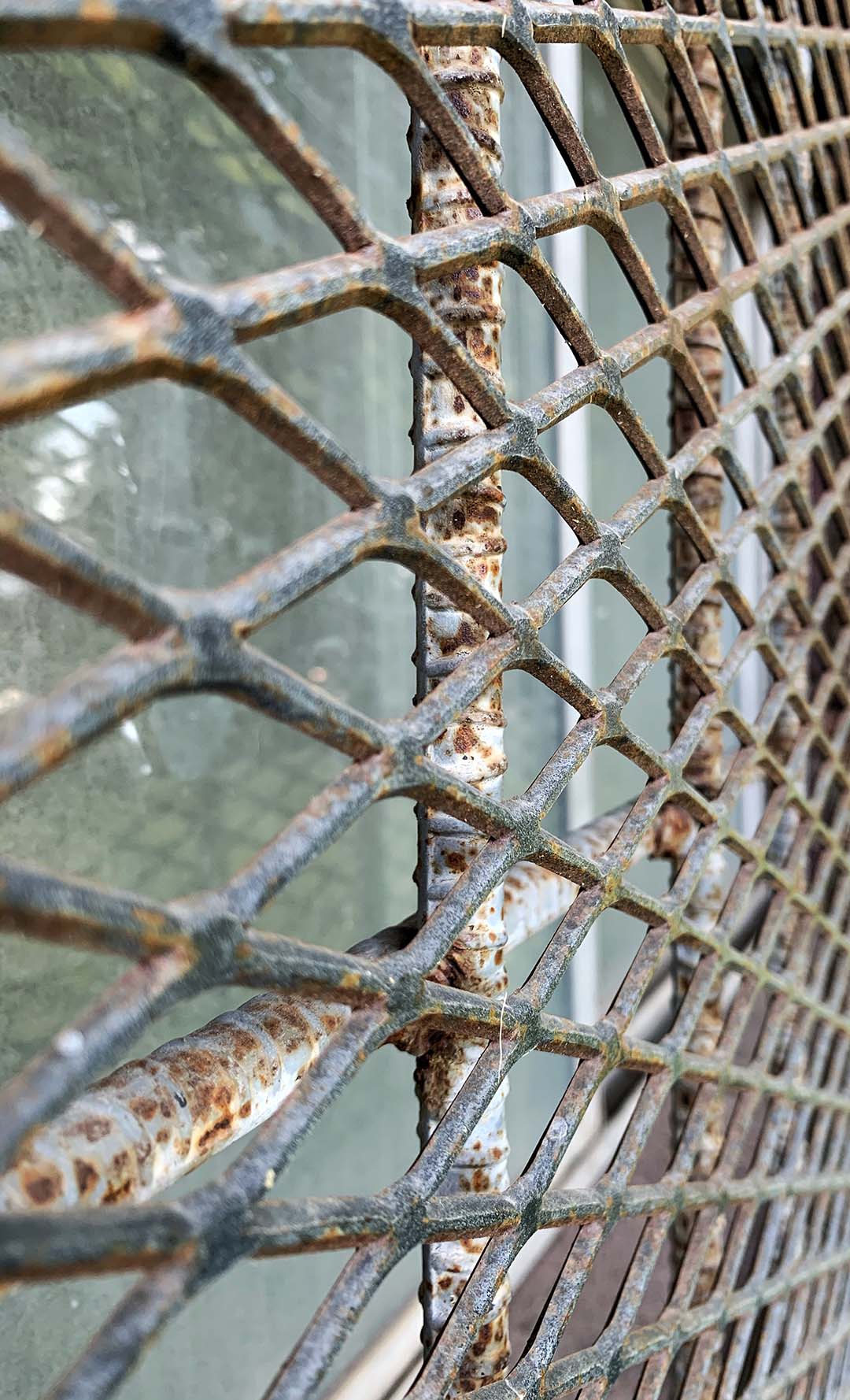
For this point of view shot, I took an ordinary shot of this building wall but then found some new close-up angles to turn it into an extraordinary shot. I couldn’t decide which photo I liked more, so I posted two extraordinary shots!
SHALLOW DEPTH:
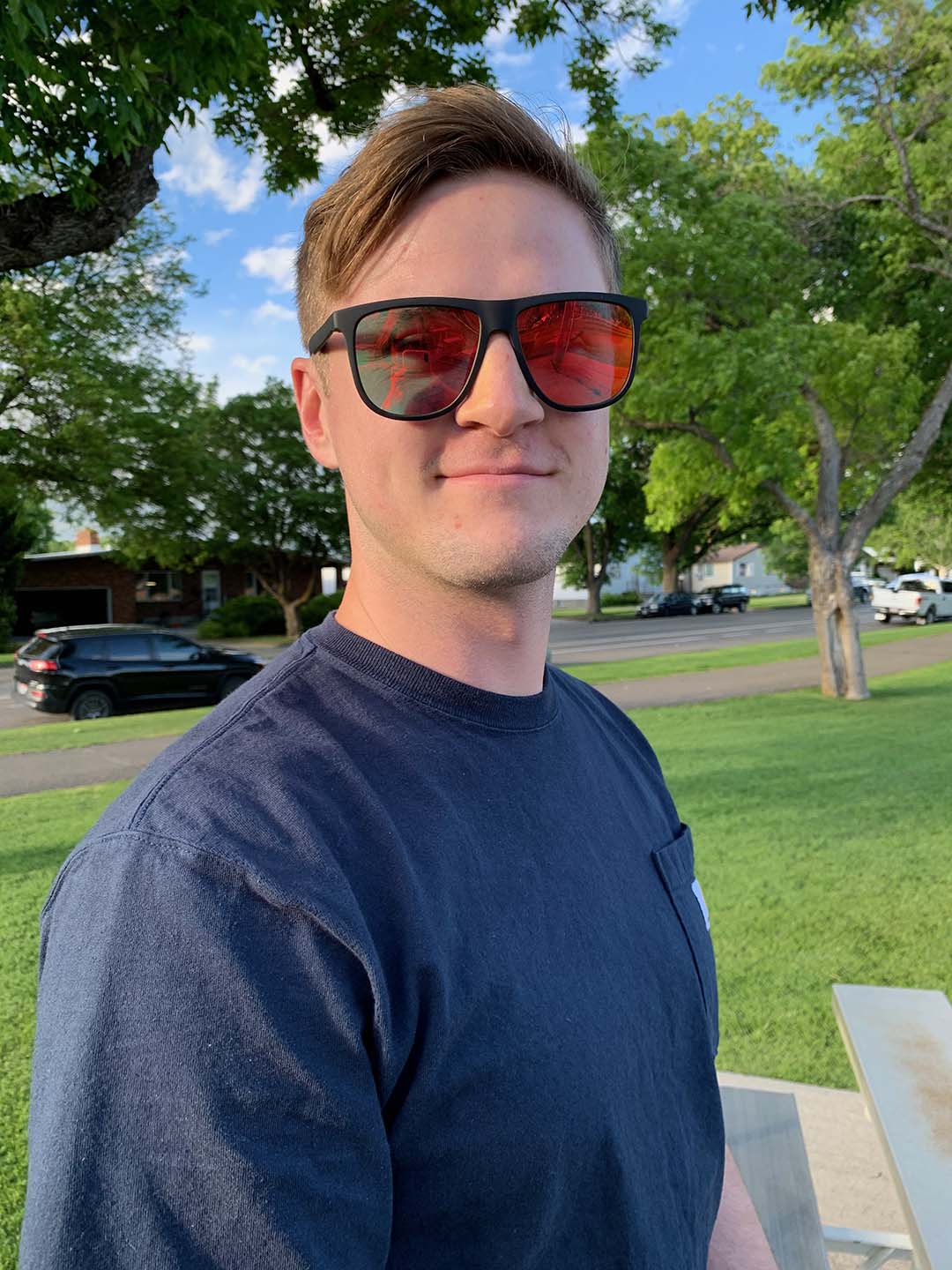
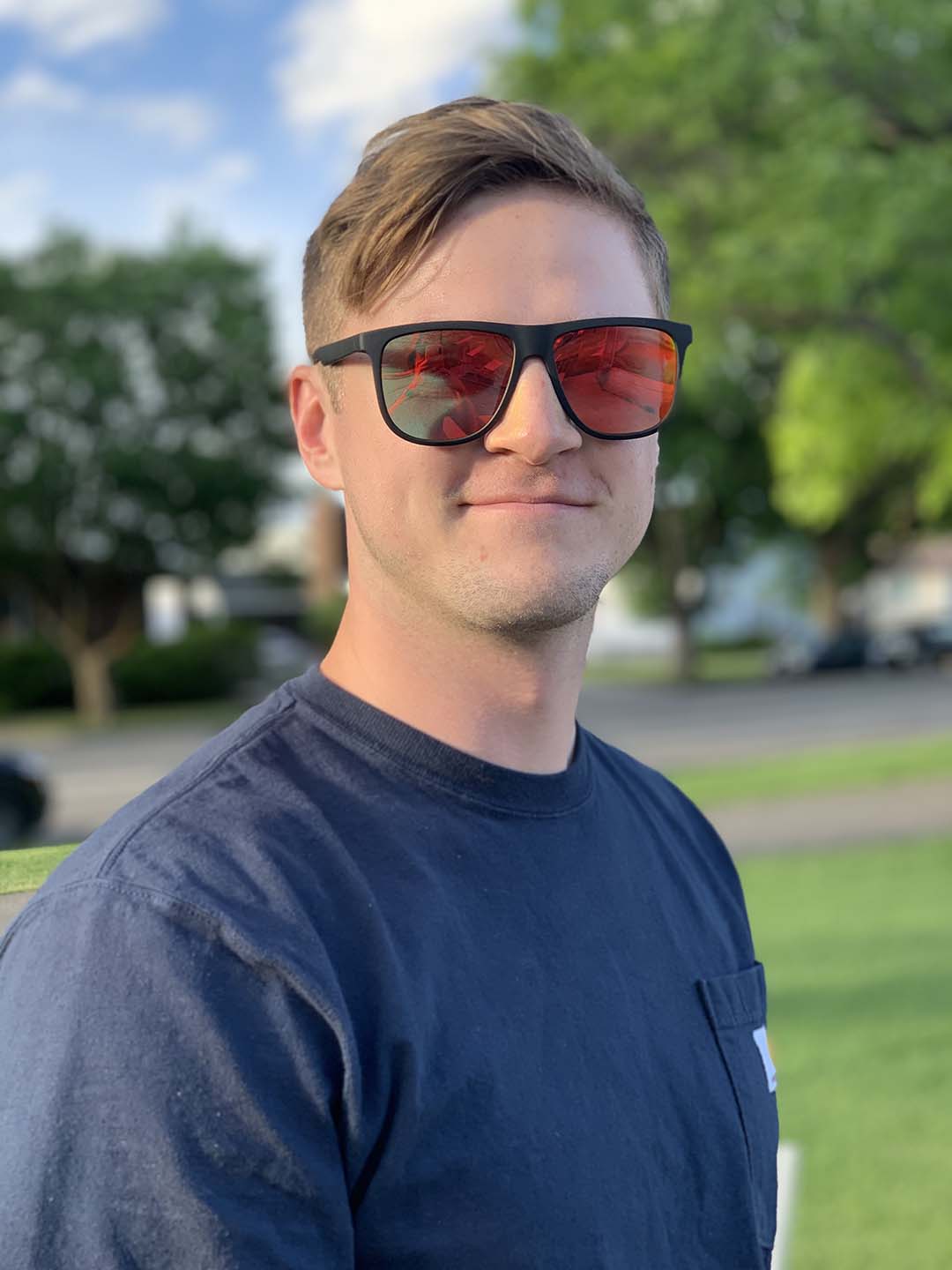
The first image shows a normal shot that your phone can take of a person, but the second photo shows the same image taken with portrait mode on. Meaning that the background is blurred creating bokeh, and helps focus on your subject more clearly creating focal point.
 Marisa Foster - Blog
Here is a link to my Instagram that has some of these same photos and a bit more of an explanation! https://www.instagram.com/p/CBPXei4nQ1J/
LikeLike