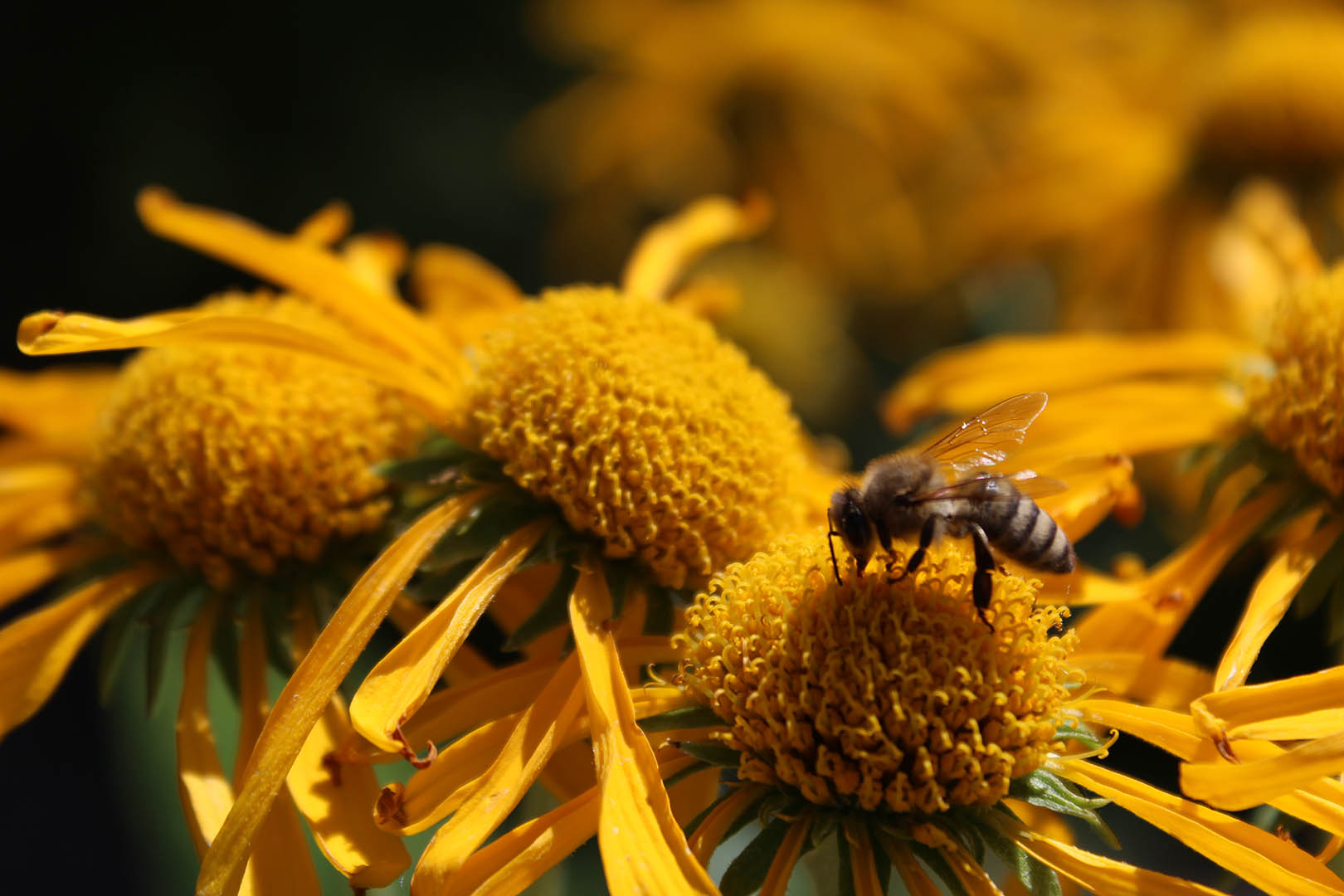
This past week I had the opportunity to pick the top image I had shot from this semester, that was submitted to be printed on a 16×24 large print. The image that I chose was from my macro assignment where I shot a picture of a bee on some yellow flowers at the Thomas E. Ricks Gardens on the BYU-I campus!
ORIGINAL:
EDITED:
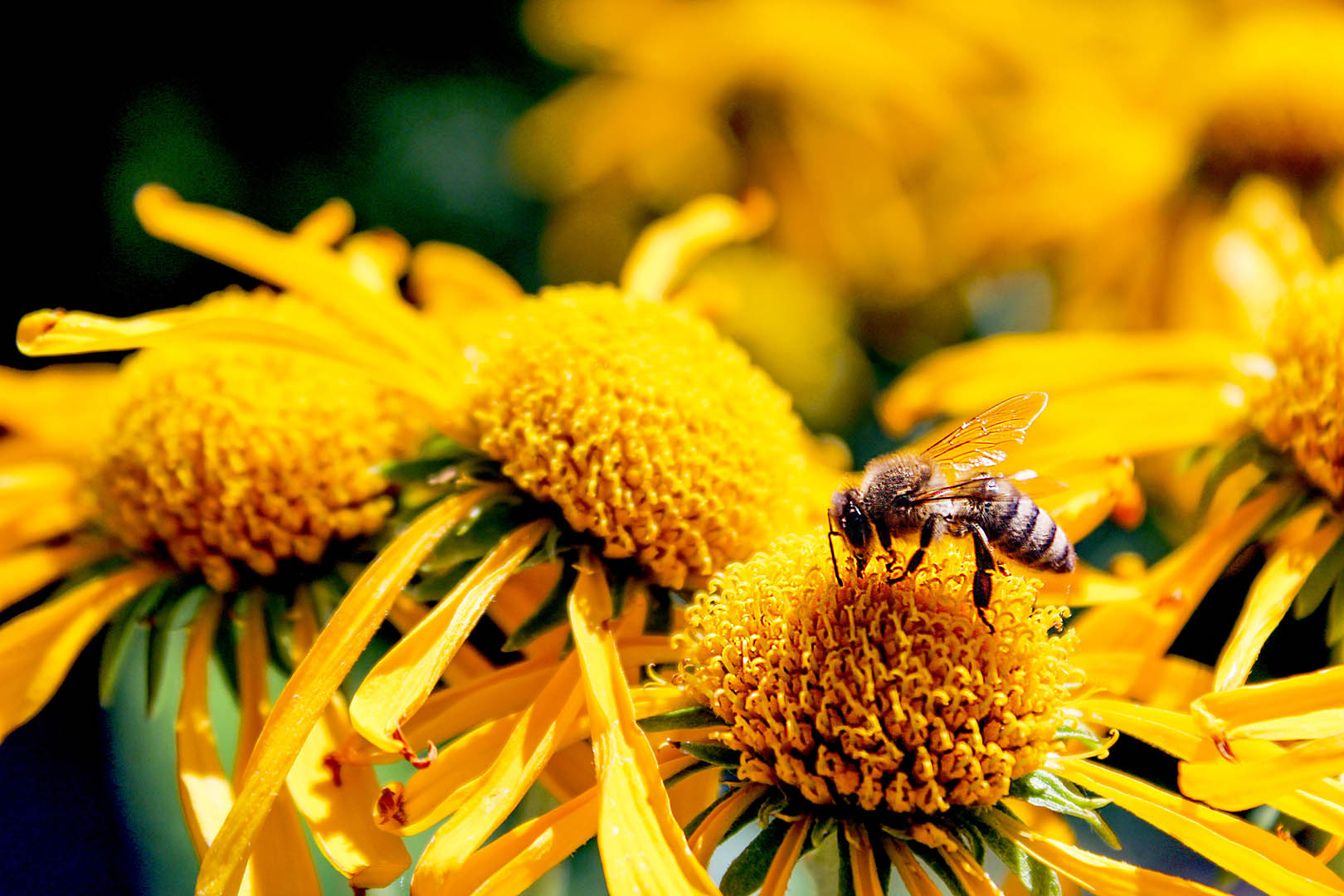
To edit this image to be ready for a large print I made sure that I didn’t need to crop in much so that I didn’t lose pixels that would be needed for the image to be scaled up to such a large size. As for the colors, I increased the highlights only slightly and lightened the shadows so it wouldn’t be too dark in print. I know that McKenna Pro prints slightly warmer so I tried adding some more blue tints rather than more yellow. Also, I used Photoshop to sharpen the bee and the flower it is on to help strengthen it as the focal point and so it wouldn’t look blurry in the print. Overall I wanted to make sure the image was bright enough that it didn’t print too dark.
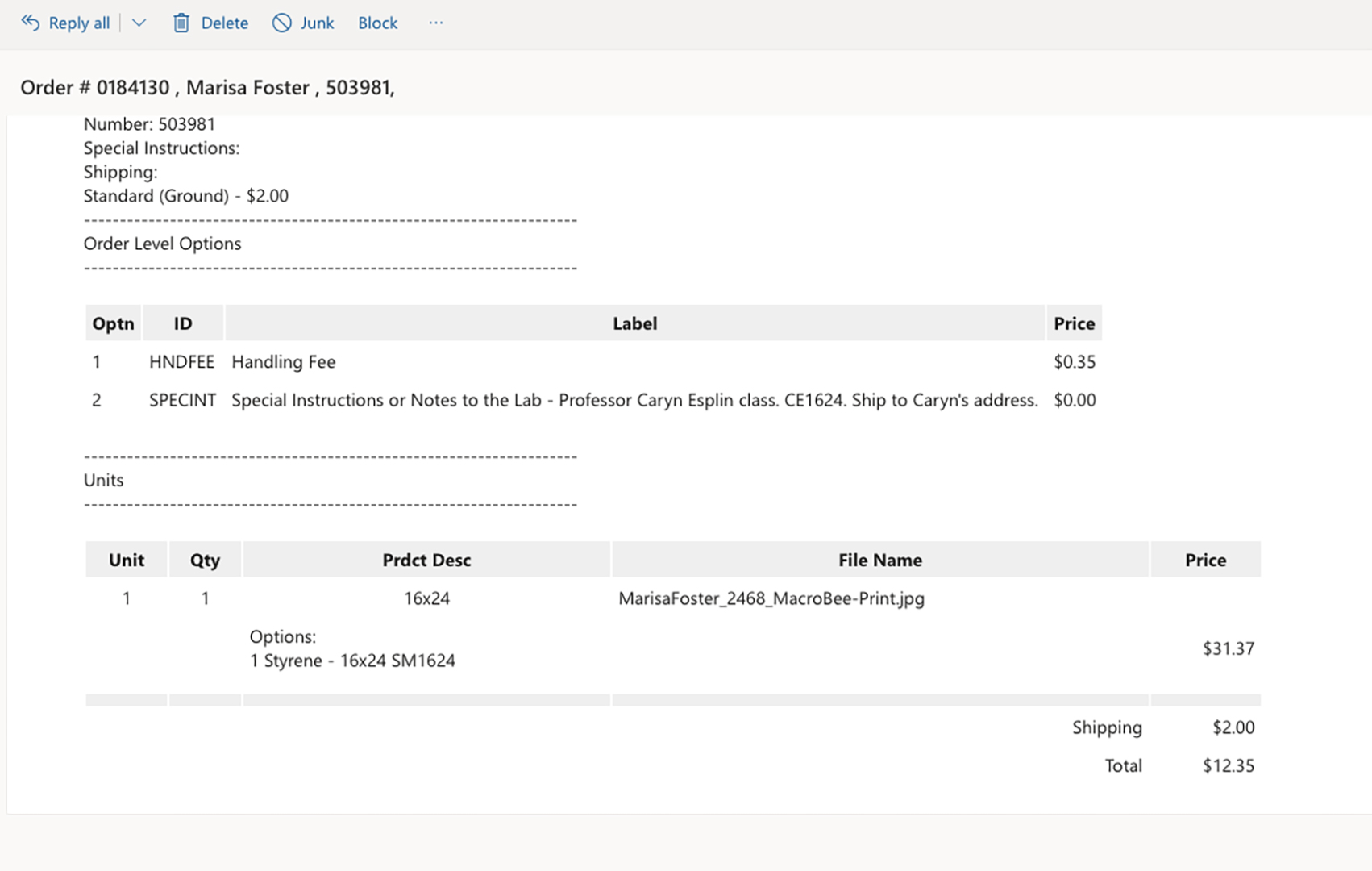
When I went to order my print from McKenna Pro it felt seamless! Their software and ordering process is so easy to use. The specific print that I ordered was a photographic, metallic, 16×24 print, with mount and styrene. My confirmation email is below:
 Marisa Foster - Blog