A Study in Aperture and Shutter Speed: This post will be demonstrating my research, study and findings on the topics of aperture and shutter speed that includes photographic examples of each point. Then followed by some info about a photography or editing topic that interests me to explore more about. Enjoy!
WIDE APERTURE:
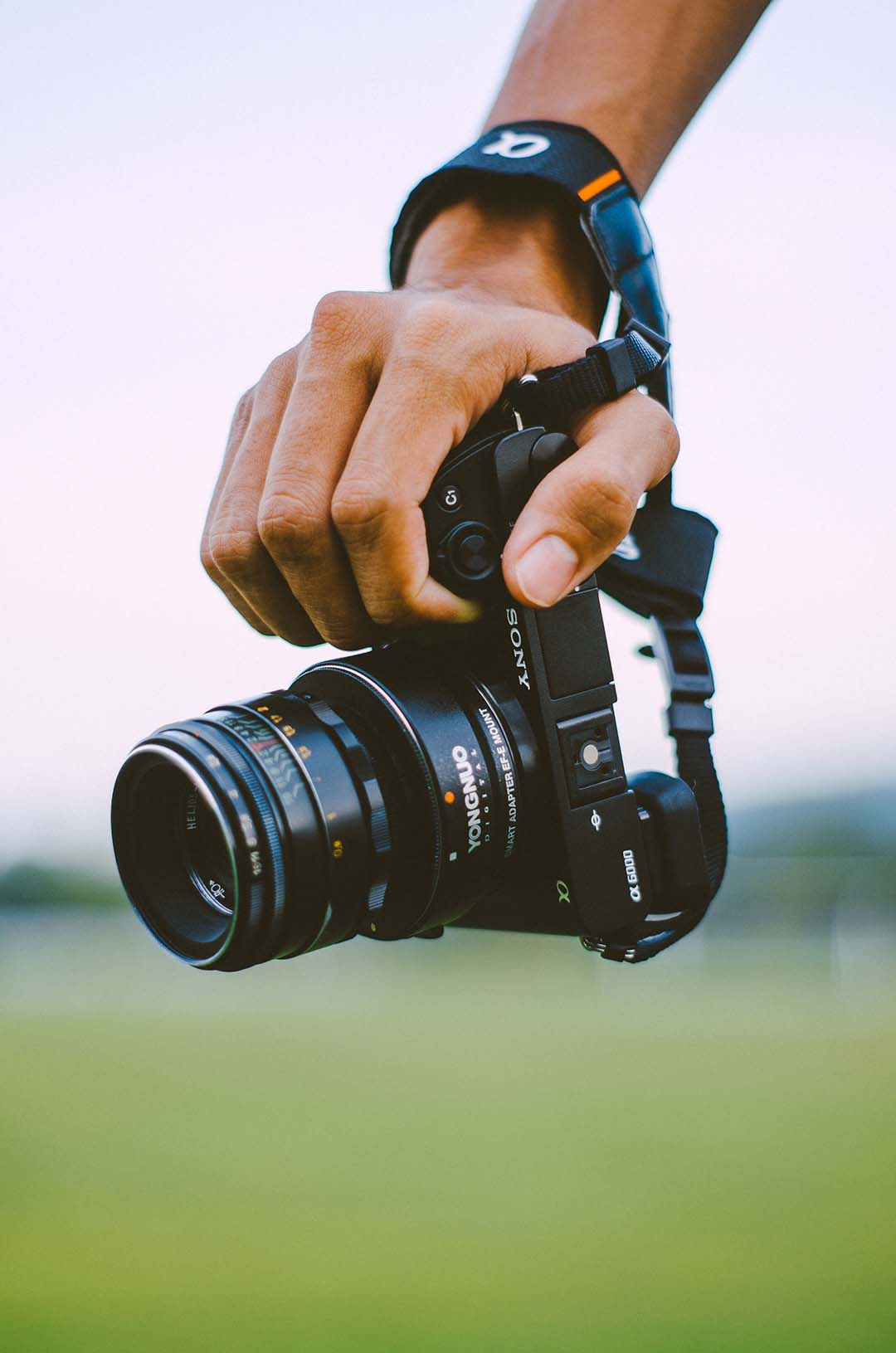
Through my research I was able to learn more about the topic of wide aperture. When we have a wide aperture that means that our “f-stop” is a larger fraction such as f/2 or think of it as 1/2. Meaning that our lens is only opening 1/2 of the way, this allows for a greater quantity of light flooding into the lens of your camera. Therefore, producing a more shallow depth of field. As we gather more light by having a wider aperture this causes a smaller area of focus and creating a bokeh (background blur). This technique is great for close up shots and creating focal points.
NARROW APERTURE:
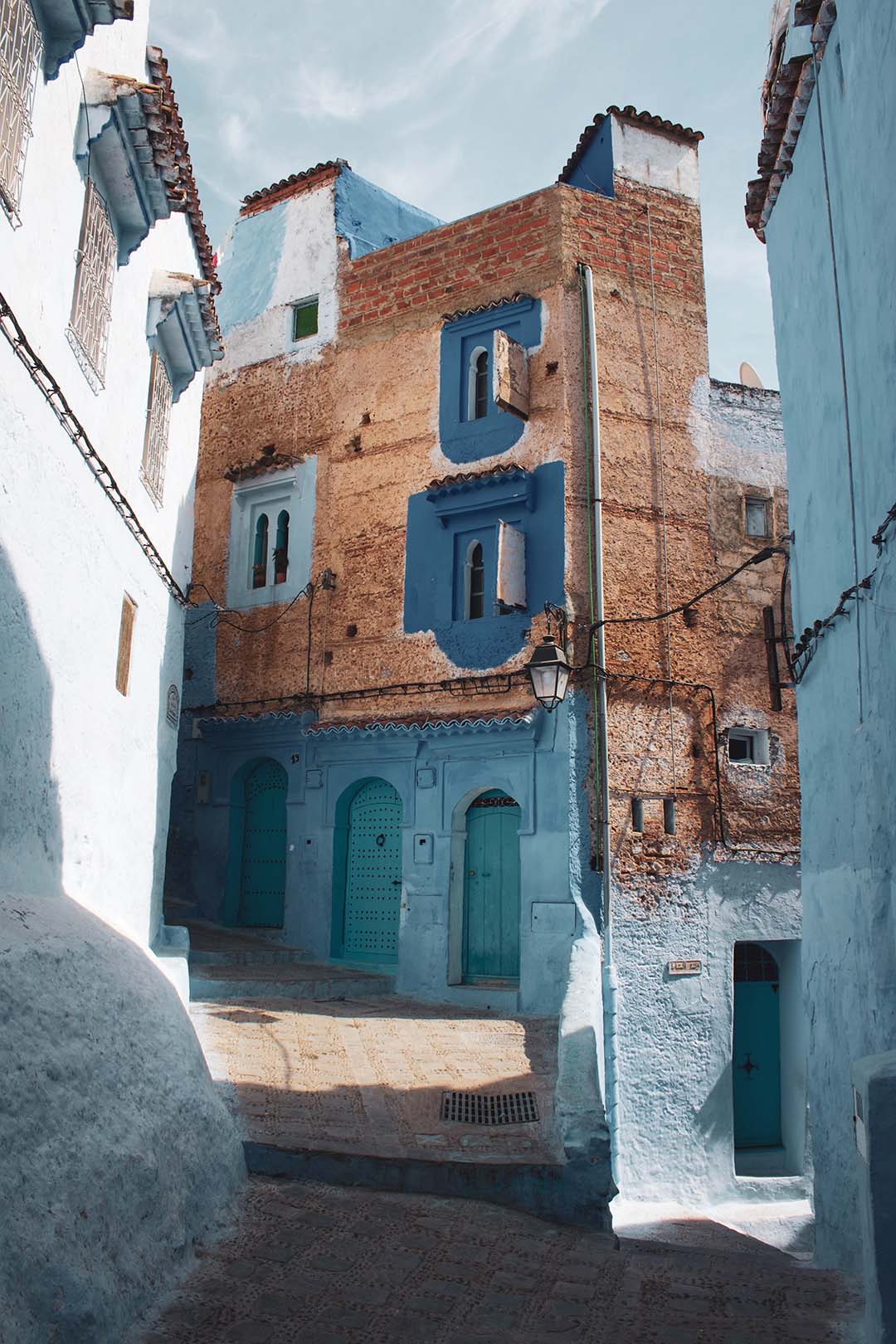
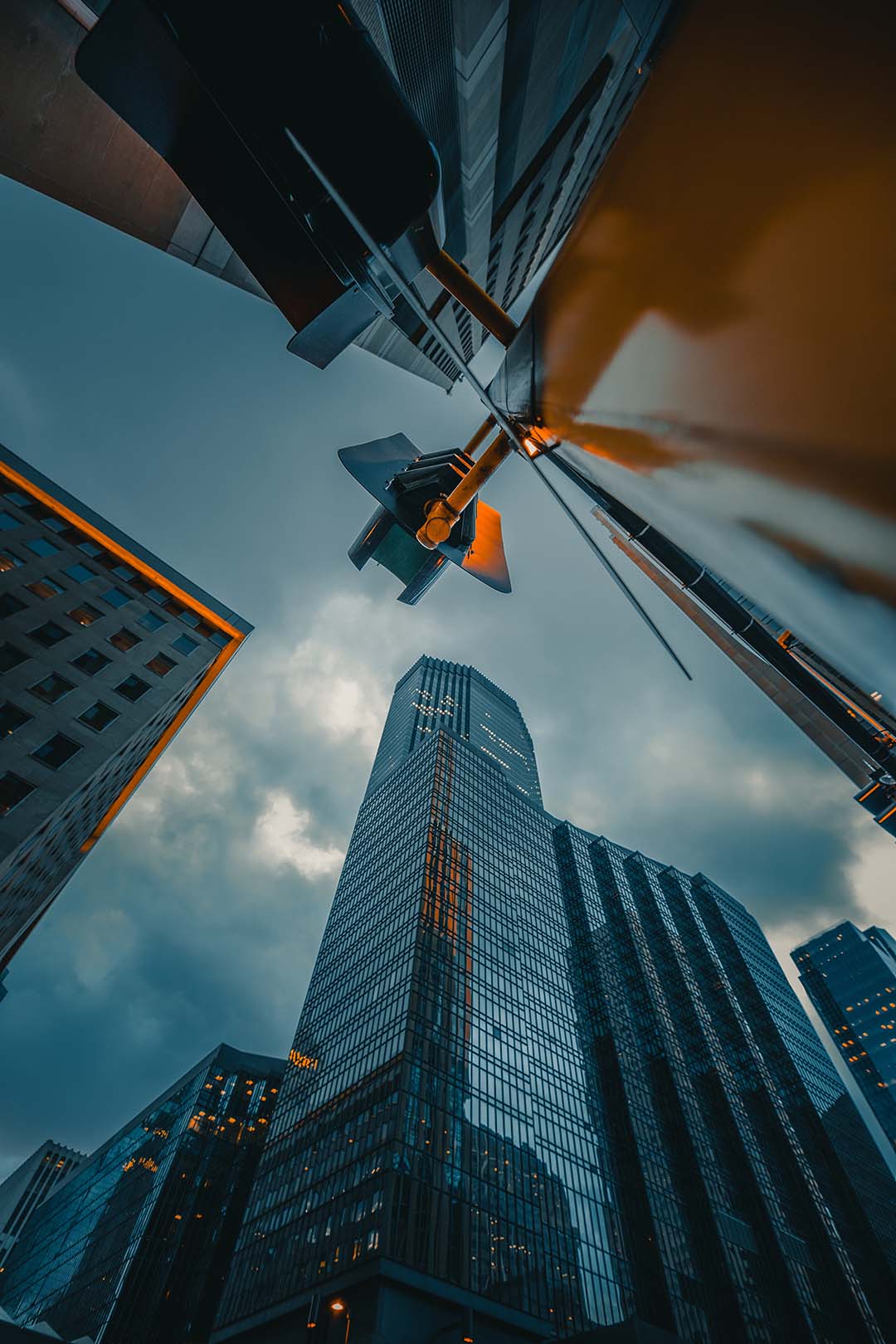
Now that we have learned about one part of aperture, the wide aperture, we will now focus on the other aspect, narrow aperture. When we have narrow aperture that means that our “f-stop” is a smaller fraction like f/16 or f/22, meaning the lens of our camera is only opening a 1/16 or 1/22 of the way, creating a very small opening. By having a small opening in our lens we cannot have the same amount of light reach the lens as if it was all the way open or even half of the way. With this smaller amount of light allotted, we can have a larger area in focus in our image, where everything is sharp. This technique works best for shots like landscapes or even city streets like featured above.
FAST SHUTTER SPEED:
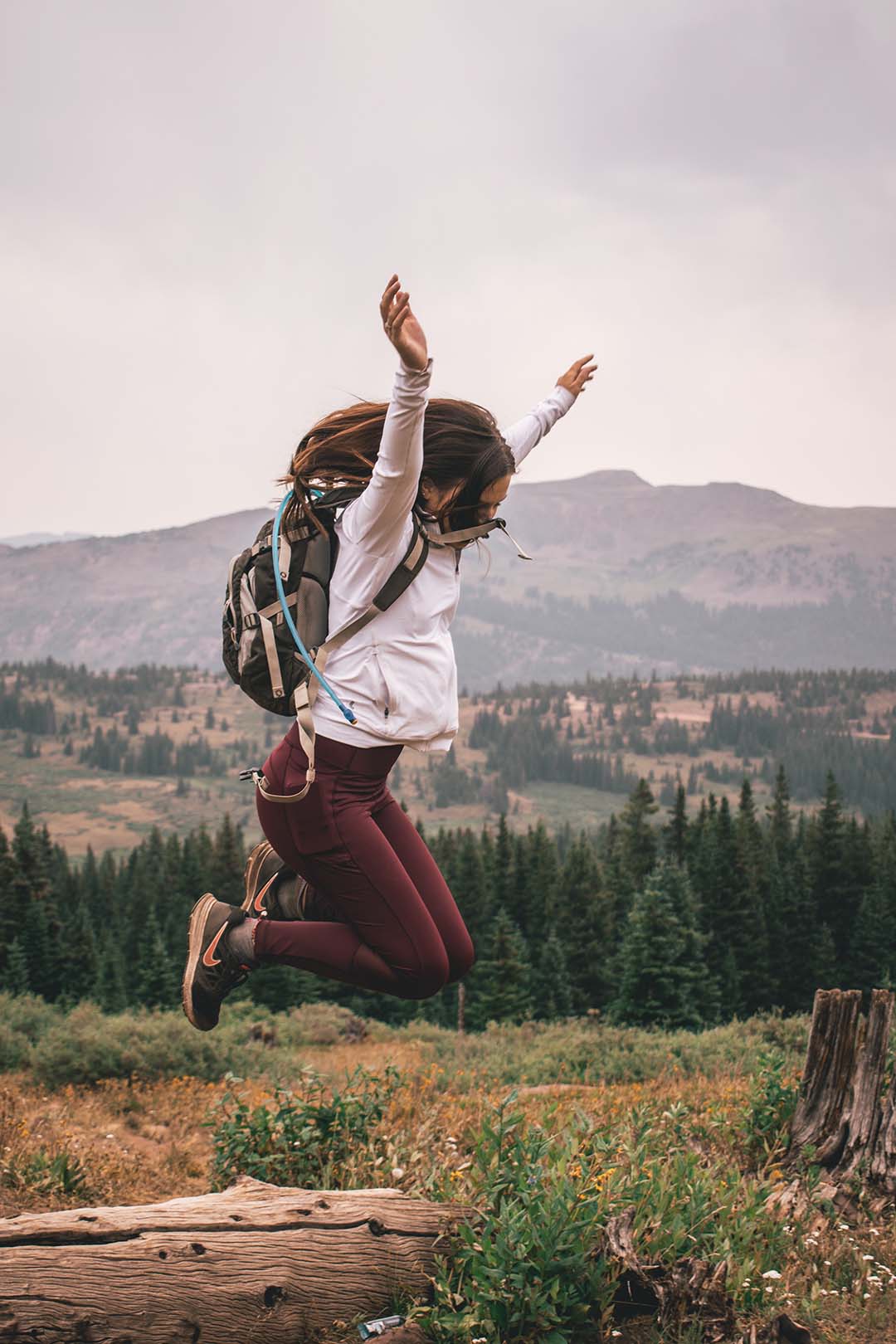
Fast shutter speed is also known as “Frozen Motion”. Shutter speed actually refers to how long your lens stays open when taking a photo on your camera and is also measured by fractions just like aperture, so something like 1/x equals the speed at which the shutter curtain will open and close. For example anything around 1/500 will open and close the shutter curtain very quickly, and by setting it to this speed you can capture moving objects or people as if they were frozen. Something to keep in mind is that since the shutter curtain is moving at such a high speed very little light is able to be gathered by the lens, so you will need plenty of light around you. Another thing to note is that since you are at a faster shutter speed, tripods are not always necessary for the shot.
SLOW SHUTTER SPEED:
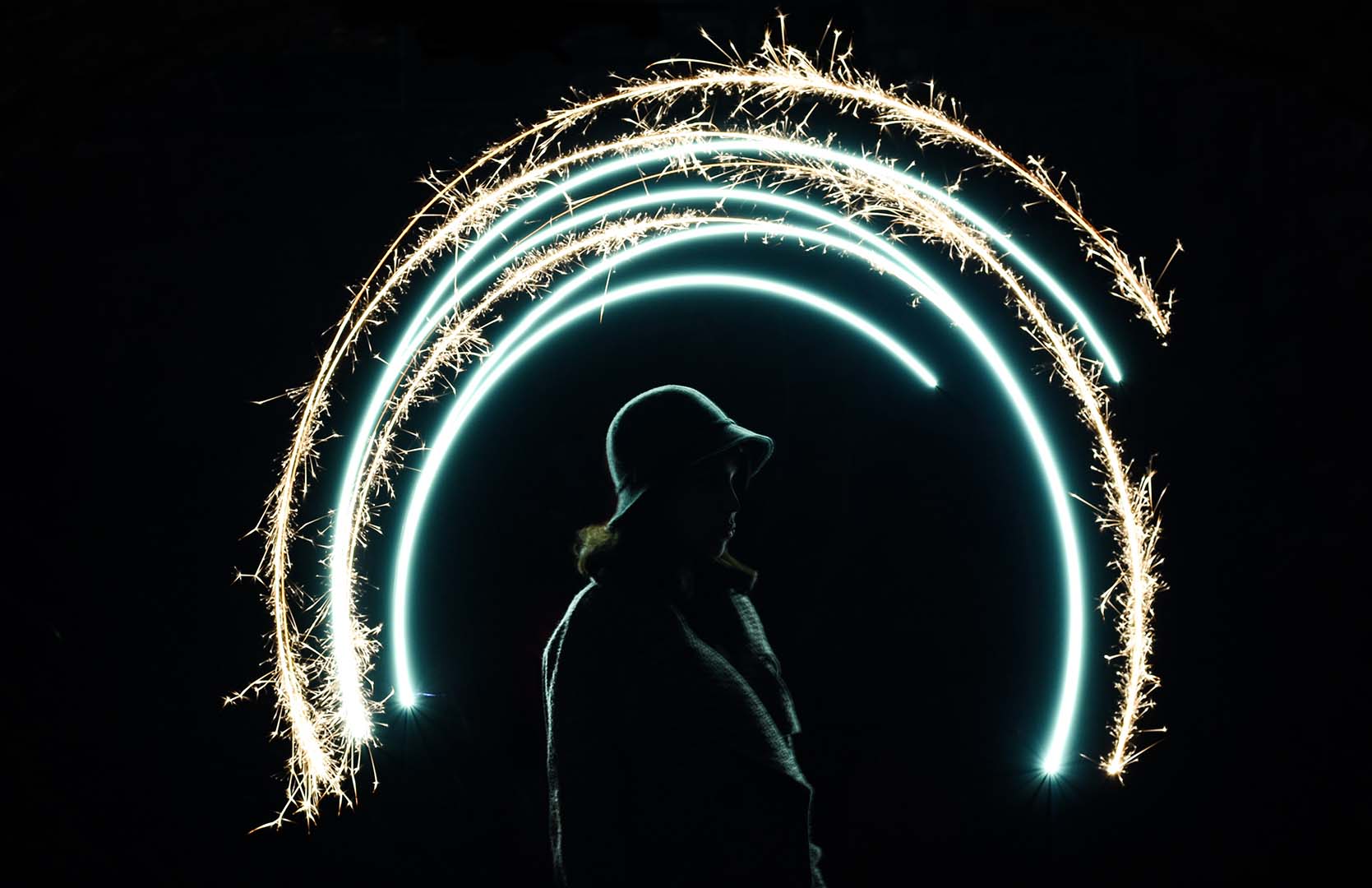
Just like the name, slow shutter speed is the exact opposite of fast shutter speed. Slow shutter speed is also known as blurred motion. Unlike the fast shutter speed we want our fraction to be much larger such as 1/60 or anything less than that, because that means our lens will be shutting at the speed of 1/60 of a second rather than 1/500 of a second. In our images we want to make sure that our subjects that are moving are blurred but anything else such as the background or surrounding objects to be still, so be sure to use a tripod to reduce any shaking. Since our lens will be opened for longer we have to take into account the large quantity of light captured, to avoid your image from being overexposed try shooting in darker areas or darker times of the day.
PHOTOGRAPHY OR EDITING TOPIC I AM INTERESTED IN – BRACKETING:
After doing some research and browsing around a topic that stood out to me that I want to learn about and put into use is bracketing. Bracketing involves in camera (the photography stage) and in post (the editing stage), this technique allows you to find the right exposure for your image. Generally you take 3 photos (sometimes 4), one is underexposed, the next is normal exposed and then one overexposed. The exposure can be changed by changing your shutter speed to accommodate the amount of light. Then with these three images you can pick and choose which parts of the 3 images you want to blend, this can be done using photoshop.
 Marisa Foster - Blog
Great post! Your slow shutter speed photo example is very creative and shows a unique way in which you can transform images. Bracketing does seem like a very neat topic. I am looking forward to seeing your photos when you learn that technique.
You should check out Kali Gamett’s blog https://kaligamettphotography.wordpress.com/2020/04/27/aperture-and-shutter-speed/
as well as my blog https://kiannabaird.wordpress.com/
LikeLike
I really like your photos and I totally agree about the exposure bracketing. This is a technique that I really want to learn more about as well. Sister Esplin has shot some beautiful photos using this technique. I am really excited about this class. Here’s a link to Brandon Grimsley’s blog https://bwgrimportfolio.wordpress.com/ and here’s one to my blog https://nicholasledbetter.wordpress.com/
LikeLike